

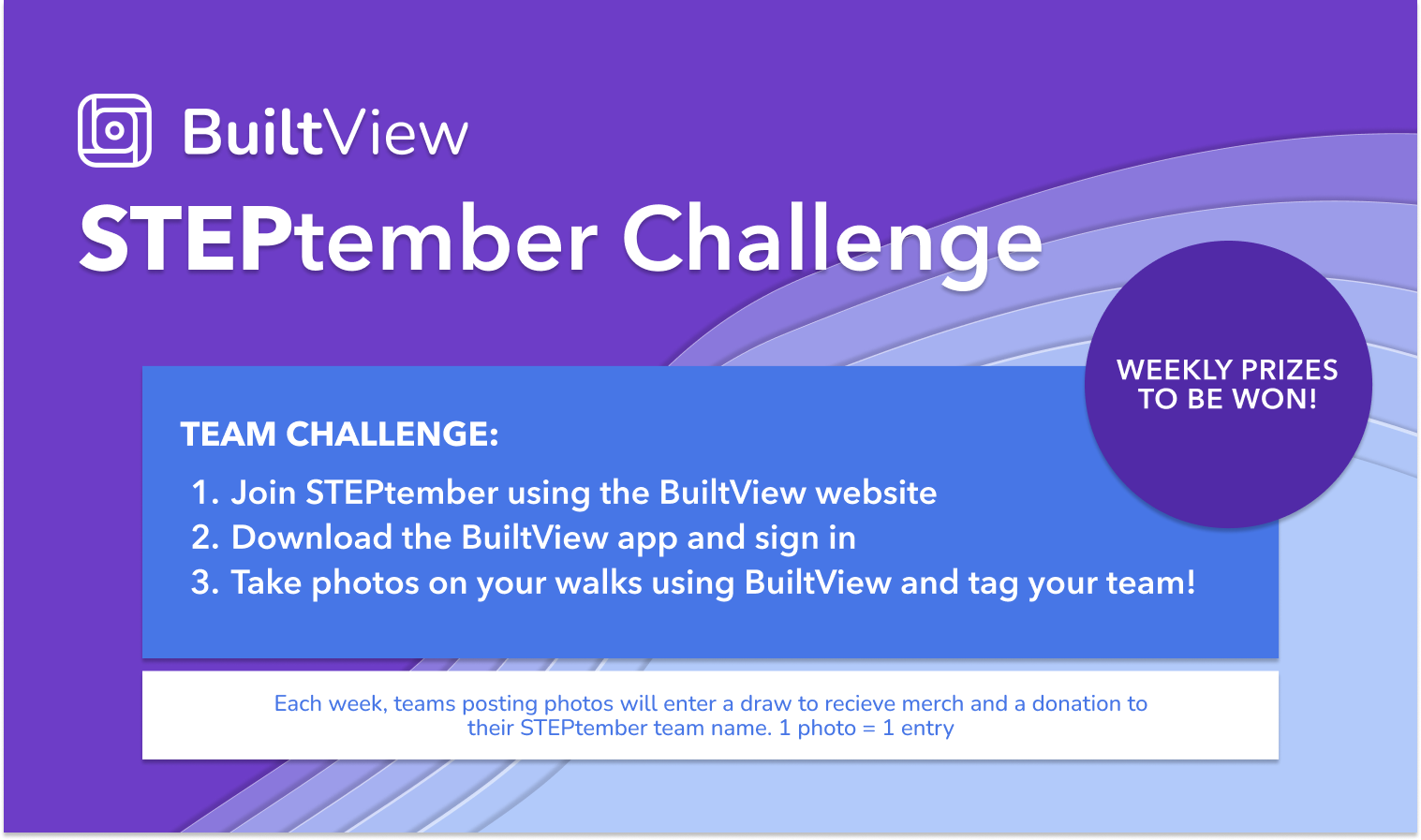
Join our STEPtember challenge today!
.png)
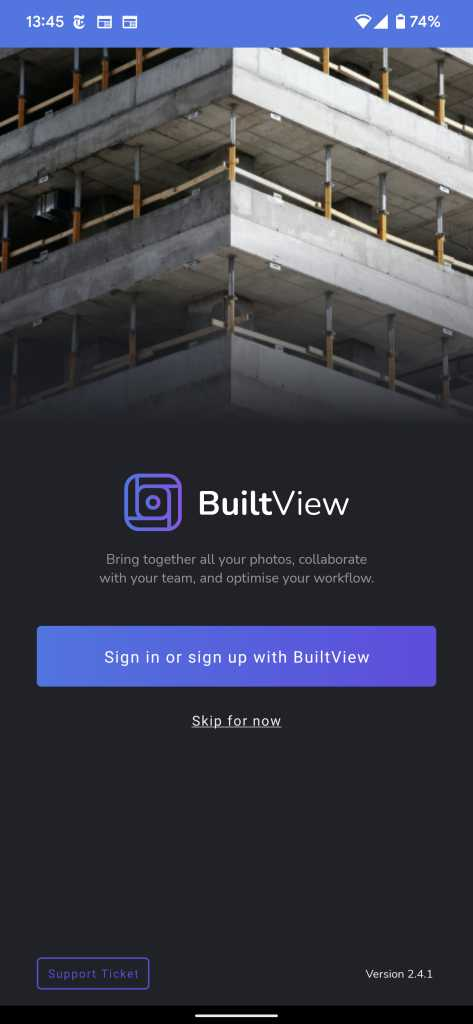
Step 2: Install the BuiltView app and sign in
Android: https://play.google.com/store/apps/details?id=com.builtview.mobile.dev
iOS: https://apps.apple.com/au/app/builtview-mobile/id1560750101
Step 3: Select the STEPtember team on the camera screen
.png)
Step 4: Set up a tag with your STEPtember team name so we know who you are!
Make sure the team name you pick is unique and the same tag is used by all team members!
.png)
Step 5: Take photos! They should automatically upload to the STEPtember team
.png)